Asset Management Software for Post-Production: A Buyer's Guide

Start with the stage, not the feature list
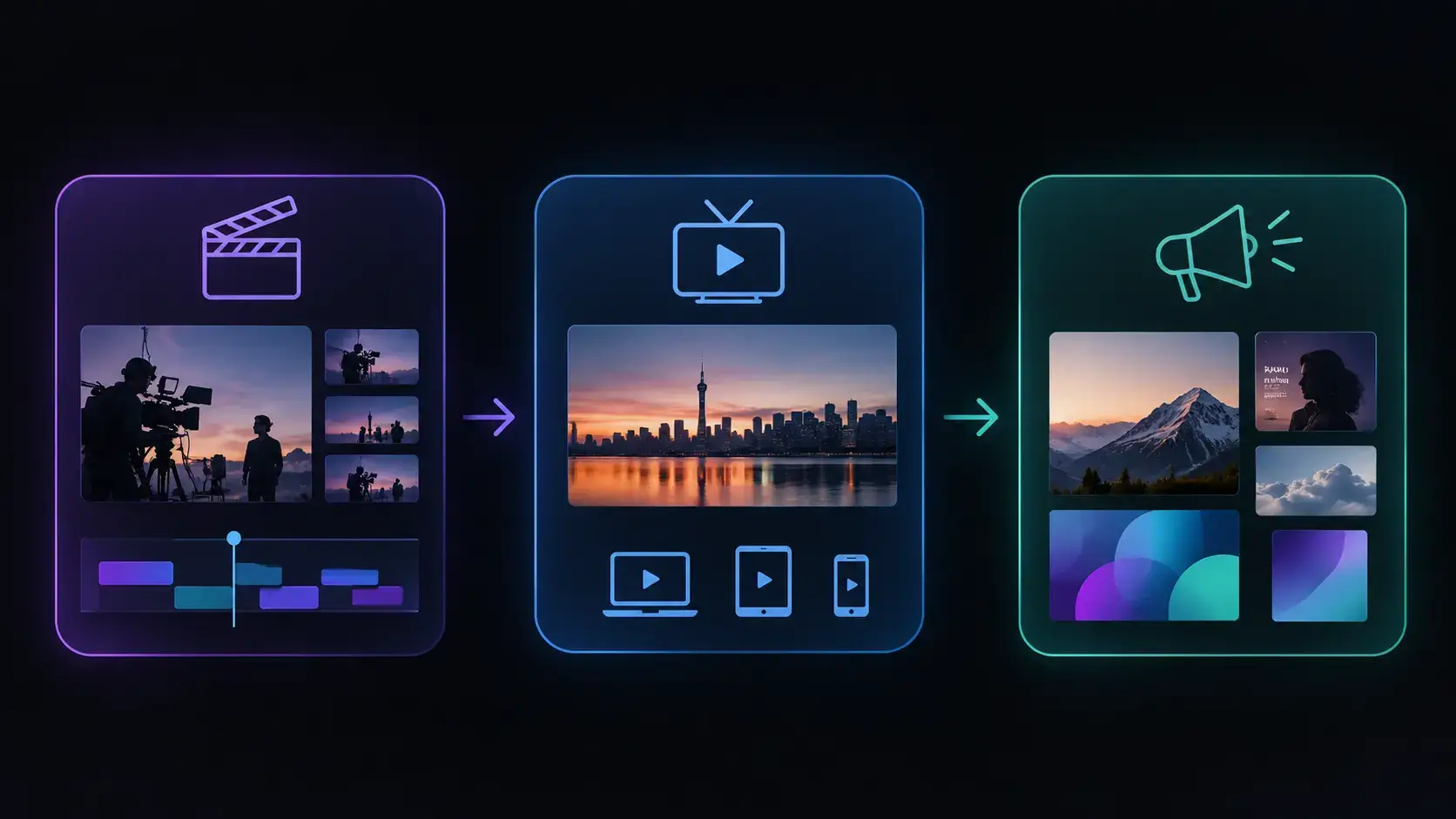
The four types share most of their features. Storage, metadata, search and permissions appear on all of them, so a comparison of features alone rarely decides anything. What decides it is what your files are doing: changing every day on a production, going out to many places after delivery, or being used the same way every time by a marketing team. Our article on what a production asset management system does, and how it differs from MAM and DAM, sets out where each one sits from camera to archive. This guide is about choosing.
Ten capabilities, and how to test each in a trial
Run the trial on a real show's files rather than a demonstration set, with the people who will use the system every day. Each capability below comes with a test you can run in an afternoon.
1. Versioning. Upload three versions of one shot. Can anyone see at a glance which is current, and what changed between them?
2. Metadata. Bring in camera originals with their metadata. Does it arrive intact, and can you add your own fields, such as episode, scene, take and vendor?
3. Permissions. Give a vendor access to one sequence only, then take it away. How long did each step take, and is there a record of both?
4. Integrations. Connect the tools the work already runs on: storage, review and the editorial workflow. Which connections are built in, and which need custom work?
5. Search. Find every take of one scene without knowing a single file name.
6. Tagging. Tag a hundred files at once. Can tags be chosen from a fixed list, so they stay consistent across the show?
7. Workflow and status. Move a shot from "with vendor" to "approved". Does everyone see the change, and can you report the status of every shot in an episode?
8. Review. Review a cut inside the system. Do the notes stay with the version they were given on, through to review and approval at finishing?
9. Delivery. Send a watermarked file to someone outside the company. Can you limit the number of downloads and cancel the link once it has gone?
10. Archive. Hand a finished show to long-term storage. What goes with the files, and in what format?
The last test matters more than it looks. MovieLabs, the technology body run jointly by the major Hollywood studios, set out in its 2030 Vision of 2019 that media workflows should rest on common interfaces, underlying data formats and metadata, and that preserving digital assets includes the future means to access and edit them. A system that keeps the files but not what the production knew about them fails both.
Three questions to ask before you sign
How do we get everything out? Not only the files, but the metadata, the versions and the approvals, in an open and documented format. Ask how long an export of a full show takes and what it costs, and ask for a test export during the trial.
What happens at wrap? Productions end, and vendor and freelance access has to end with them. Ask whether closing a production's access is one action or many, and whether the system keeps a record of who had access to what, and when. The 2030 Vision makes this a principle: every individual on a project is identified and verified, and their access permissions are efficiently and consistently managed. If your clients ask for a content security assessment, the four TPN Shield tiers set out what each level asks of a facility.
What does the price do as a show grows? Pricing can be per user, per terabyte, per project or a mix. Price the show at its busiest week and in the quiet months between shows, include any storage and transfer charges, and ask what it costs to keep a finished show's files once nobody is working on them.
When you do not need a purpose-built system
A buyer's guide that always ends in a purchase is not much of a guide. Sometimes the right answer is something lighter, or something else.
- A small, short production. One editor, one or two vendors and a few months of work may be served well by good shared storage, a strict naming convention and a written handover. Setting up and learning a new system has a cost of its own.
- Marketing files. If the files are key art, stills and campaign material for a brand or a distributor, a DAM is the right tool, and a PAM would be more than you need.
- Work that starts at delivery. If your job is versioning finished masters for many outlets and keeping a library, you need a MAM.
- A client's own system. If a studio requires its vendors to work in its system, the choice is made for you. The questions then are what that system asks of your storage and your network, and who closes your access at the end.
The checklist
1. Name the stage your files are at, and the type of tool that fits it.
2. List the tools the system must connect to.
3. List who needs access from outside the company, and for how long.
4. Run the trial on a real show's files, with the people who will use it.
5. Run each of the ten tests above.
6. Ask for a test export of files and metadata.
7. Close a vendor's access during the trial, and check the record it leaves.
8. Price the show at its busiest and between shows.
9. Check which content security assessment your clients expect.
10. Decide who owns the system day to day.
Where Core fits
Sohonet's Core is a production asset management system, for the second row of the table at the top of this guide. Against the tests above, Core's product page describes work-in-progress workspaces kept separate from approved assets, permissions managed through identity management, search across metadata, review of dailies and cuts, two-way file sharing with Box for uploads from crew and vendors, and delivery with visible and forensic watermarks, a limit on downloads and links that can be cancelled. If that is the stage you are at, you can request a trial from the Core page and run the ten tests on your own files.
Sources. MovieLabs: The Evolution of Media Creation (the 2030 Vision paper, 2019), principles 5, 6 and 9. Sohonet: the Core product page, read 28 October 2026.

Get the latest news and updates from Sohonet in your inbox