Production Asset Management: What It Does That MAM and DAM Do Not
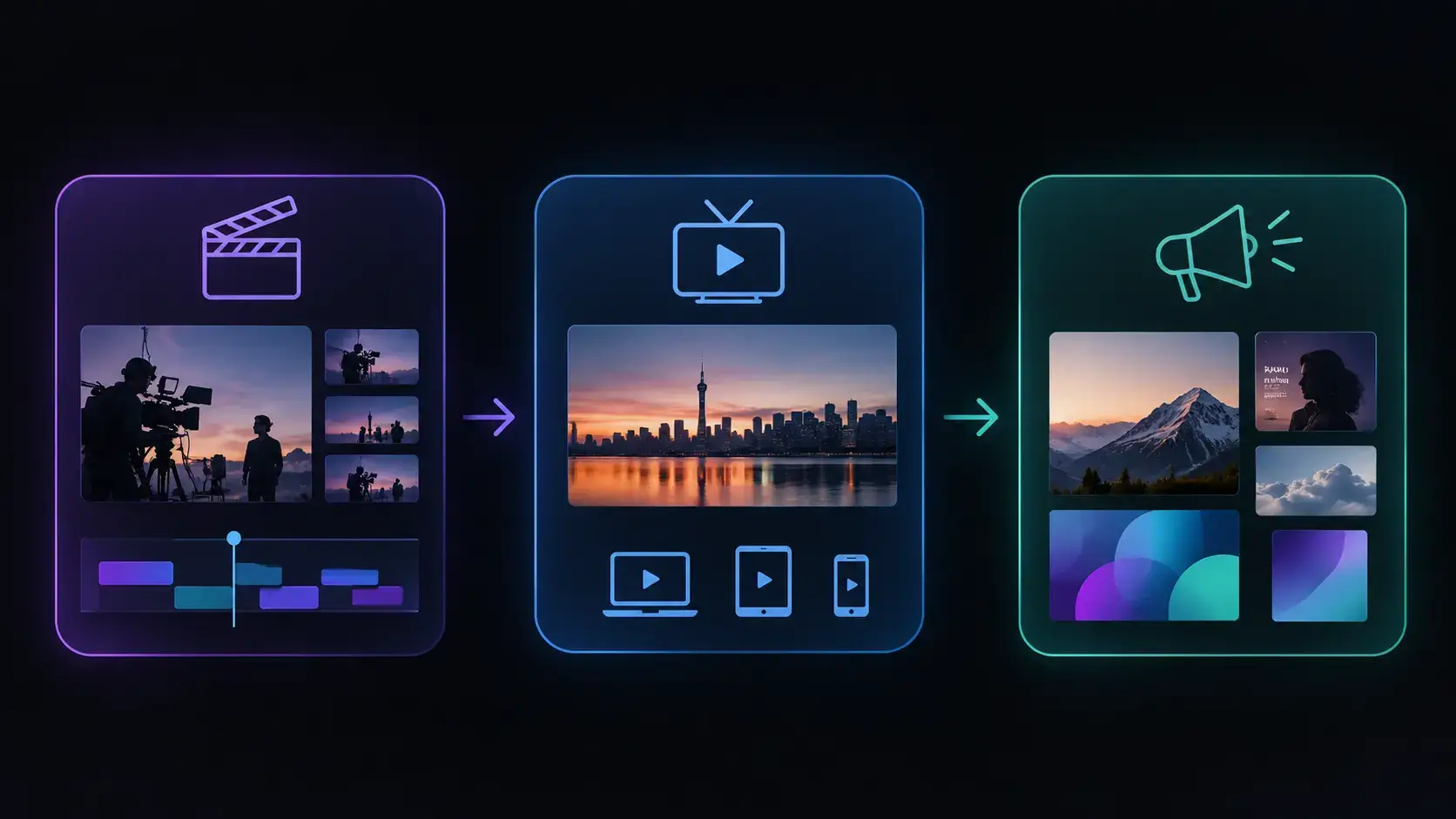
A production asset management (PAM) system keeps track of a film's or a series' files while the work is still being made: the camera originals, the proxies, the cuts, the VFX shots and every version of each, with who holds them and what has been approved. A media asset management (MAM) system looks after finished media on its way to broadcast, distribution and the archive. A digital asset management (DAM) system holds a brand's marketing files. All three store, label and find files. What separates them is the stage of the work each one is built around.
Three systems with almost the same name
The three names are often used as if they meant the same thing, because on a feature list they look alike: storage, metadata, search and permissions appear on all three. The difference shows when you ask what the files are doing. On a production they are changing every day. After delivery they are finished and going out to many places. In a marketing team they are approved and need to be used the same way every time. Each system is designed for one of those three situations, and it is the first one that people working in post-production live in.
What a production asset management system is built for
The short answer is work in progress. On a production, one shot can exist as a camera original, a proxy for the edit, a plate sent to a VFX vendor, several returned versions of the composite and an approved final, all at once. A PAM records how those files relate to each other, what state each one is in, and who is allowed to see or change it.
Four things follow from that.
1. Versions are the normal state, not the exception. A PAM expects every file to have a history and keeps it, so the question "which one is current?" has an answer that does not depend on someone's memory. Automated tools make this matter more, because an agent working on media files writes a new version with every pass.
2. Files are linked to each other and to the production. A returned VFX shot belongs to a plate, the plate to a take, the take to a scene and an episode. MovieLabs, the technology body run jointly by the major Hollywood studios, made this one of the ten principles of its 2030 Vision in 2019: individual media elements are referenced, accessed, tracked and interrelated using a universal linking system.
3. Status and approval sit with the file. Notes and sign-offs are recorded against the version they apply to, so the conform does not depend on searching through email.
4. Access is granted per project and taken away at wrap. Crews and vendors join and leave a production. Each needs the files their job needs and no more, and unreleased material needs protecting when it is shared. Another 2030 Vision principle covers this: every individual on a project is identified and verified, and their access permissions are efficiently and consistently managed. For facilities going through a content security assessment, the four TPN Shield tiersset out what each level asks.
Where it sits in the workflow, from camera to archive
A PAM earns its place by following the files through the whole of post-production. In outline:
1. On set and dailies. Camera originals and sound arrive, are checked and logged with their metadata, and the day's footage goes out for review.
2. Editorial. Editors cut from proxies, and the edit points back to the originals through that metadata. The editorial workflow depends on the link between the two holding.
3. VFX. Plates are pulled and sent to vendors. Versions come back, and each return is recorded against the shot it belongs to.
4. Review and approval. Cuts and shots are reviewed, and the notes and the approval are kept with the version they were given on.
5. Finishing and delivery. The conform pulls the approved versions back together with the originals, and the deliverables are made from them.
6. Handover. The masters, and whatever else is worth keeping, move to long-term storage, and production access is closed.
The PAM's job ends at that handover, which is where a MAM's job usually begins. The 2030 Vision asks for media workflows that are non-destructive and built on common interfaces, data formats and metadata, and the handover is where that is tested: whatever the production recorded about its files has to arrive with them.
What a MAM does that a PAM does not
A media asset management system is built around finished programmes and what happens to them after delivery. One master becomes many versions: languages, territory edits, formats for each outlet. A MAM manages those versions, transcodes to each outlet's specification, records rights and the windows in which content may be shown, feeds broadcast playout or streaming platforms, and keeps the library retrievable for years. Its users are broadcast operations, distribution and library teams. It is not built to follow a shot through a dozen VFX versions in a week.
What a DAM does that neither does
A digital asset management system is built around a brand's marketing material: logos, key art, stills, campaign video and documents. Its job is to make sure marketing teams, agencies and partners find and use the approved version, the same way every time. It is strong on images, documents and brand control. It is not designed around camera originals, shot versions or a production's crew and vendors coming and going.
Side by side
Production asset management (PAM)
- Built around: Work in progress on a production
- Typical files: Camera originals, proxies, cuts, VFX versions, sound
- Main users: Production, editorial, VFX, post supervisors, vendors
- The question it answers: Which version is current, and who has it?
- When the files leave it: At wrap, when the masters go to long-term storage
Media asset management (MAM)
- Built around: Finished programmes and their distribution
- Typical files: Masters, deliverables, a version for each outlet
- Main users: Broadcast and distribution operations, library teams
- The question it answers: Which master goes where, and when?
- When the files leave it: When rights end or the content is retired
Digital asset management (DAM)
- Built around: A brand's marketing files
- Typical files: Key art, stills, campaign video, documents
- Main users: Marketing teams, agencies, partners
- The question it answers: Which approved file should we use?
- When the files leave it: When the campaign or the brand changes
Where the three overlap
The overlap is real, which is why the names get mixed up. All three store files, carry metadata, search and control access. A studio's marketing team may keep a production's key art in a DAM. A press kit of unreleased footage sent out with watermarks is a production task with a marketing purpose. A company that makes shows and also sells its own library may run a PAM for the shows in production and a MAM for the library, and then the handover between the two matters more than either system on its own: what metadata moves with the files, and in what format.
Signs a production has outgrown folders and shared drives
Most productions start with shared storage and a naming convention, and for a small one that can be enough. These are the signs it has stopped being enough:
- Two people are working from different versions, and nobody can say which is current.
- Vendors have access through links that nobody takes away at wrap.
- Approvals live in email threads rather than with the file they approve.
- Finding a shot means asking a person rather than running a search.
- The conform depends on someone remembering where things went.
Choosing a system is a separate job: what to test, in what order, and when you don't need a purpose-built system at all. Our buyer's guide to asset management software for post-production covers it.
Where Sohonet sits
Sohonet's Core is a production asset management system, built for the PAM column above. As its product page describes it, Core:
- Separate workspaces: keeps work-in-progress workspaces separate from approved assets
- Identity-based permissions: manages permissions through identity management
- Watermarking: applies visible and forensic watermarks to shared files
- Metadata search: finds files by searching their metadata
- Review: lets teams review dailies, cuts and other production assets with their notes
Sources. MovieLabs: The Evolution of Media Creation (the 2030 Vision paper, 2019), principles 6, 8 and 9. Sohonet: the Core product page, read 28 October 2026.

Get the latest news and updates from Sohonet in your inbox